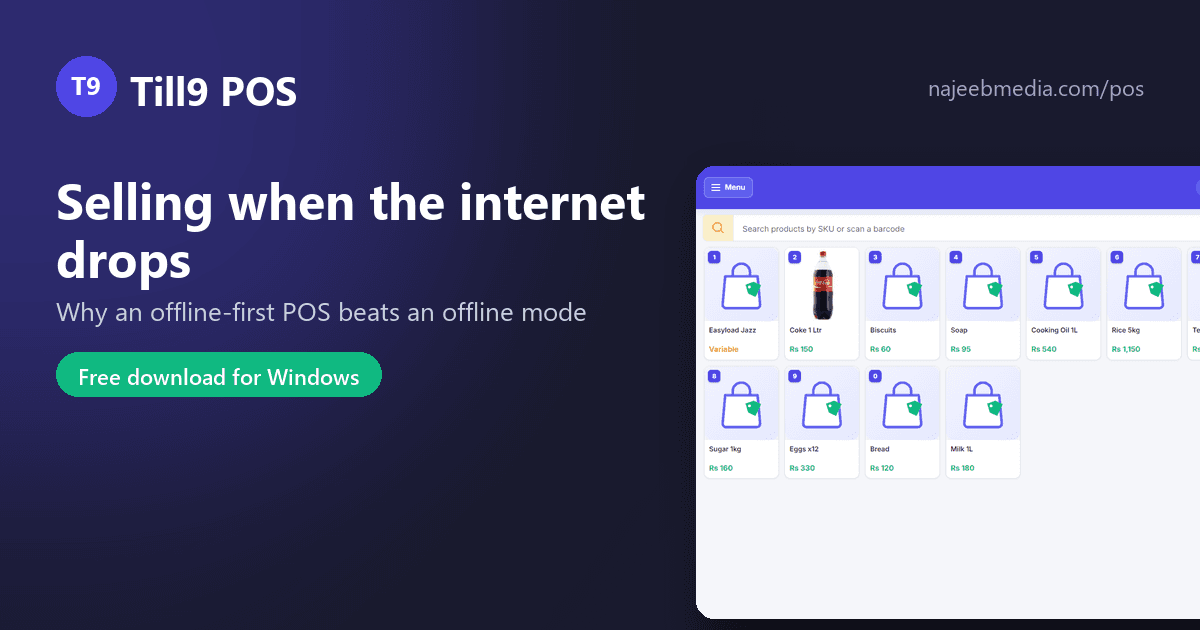
Every POS vendor in Pakistan now says "works offline". The phrase hides two very different designs, and the difference shows up at 7 pm on a Saturday when the fibre goes down with a queue at the counter. This post explains the two designs, how to tell them apart in a demo, and what Till9 does.
Offline mode is a cloud POS with a cache. The real database is on the vendor's server; the app keeps a copy of some products and queues sales while the connection is down. It works for a while, then things start to go wrong: a product added yesterday is missing, a price change has not arrived, the queued sales fail to upload when the line comes back, reports are blank until the sync completes. Some apps refuse to open at all without a login that needs the internet.
Offline-first turns it around. The database lives on the shop PC. Every sale, hold, return, receipt, stock change and report happens against that file, whether the internet is up or not. The internet is used only for things that are genuinely optional: an occasional licence check, an off-site backup copy, updates.
The test is simple: ask the vendor to unplug the network cable and then add a product, sell it, print the receipt, return it and open yesterday's report. Offline-first does all five without noticing. Offline mode usually manages the sale and fails one of the others.
A counter that stops for any of these loses sales and, worse, loses trust: cashiers start writing bills on paper and the stock in the software stops matching the shelf.
What it does not do yet: branch-to-branch sync for chains (an HQ plan is coming) and card or wallet payment recording. We say so on the pricing page rather than in the small print.
Till9 is free to download for Windows 10 and 11, with a Free plan that never expires: najeebmedia.com/pos. Try the unplugged test yourself.